Deckhouse Platform on VMware vSphere
Installation
Click the "Install" button.
The installation will start. The page will show installation progress in percent and a short process log.
To see the full log, click the "Open log" button.
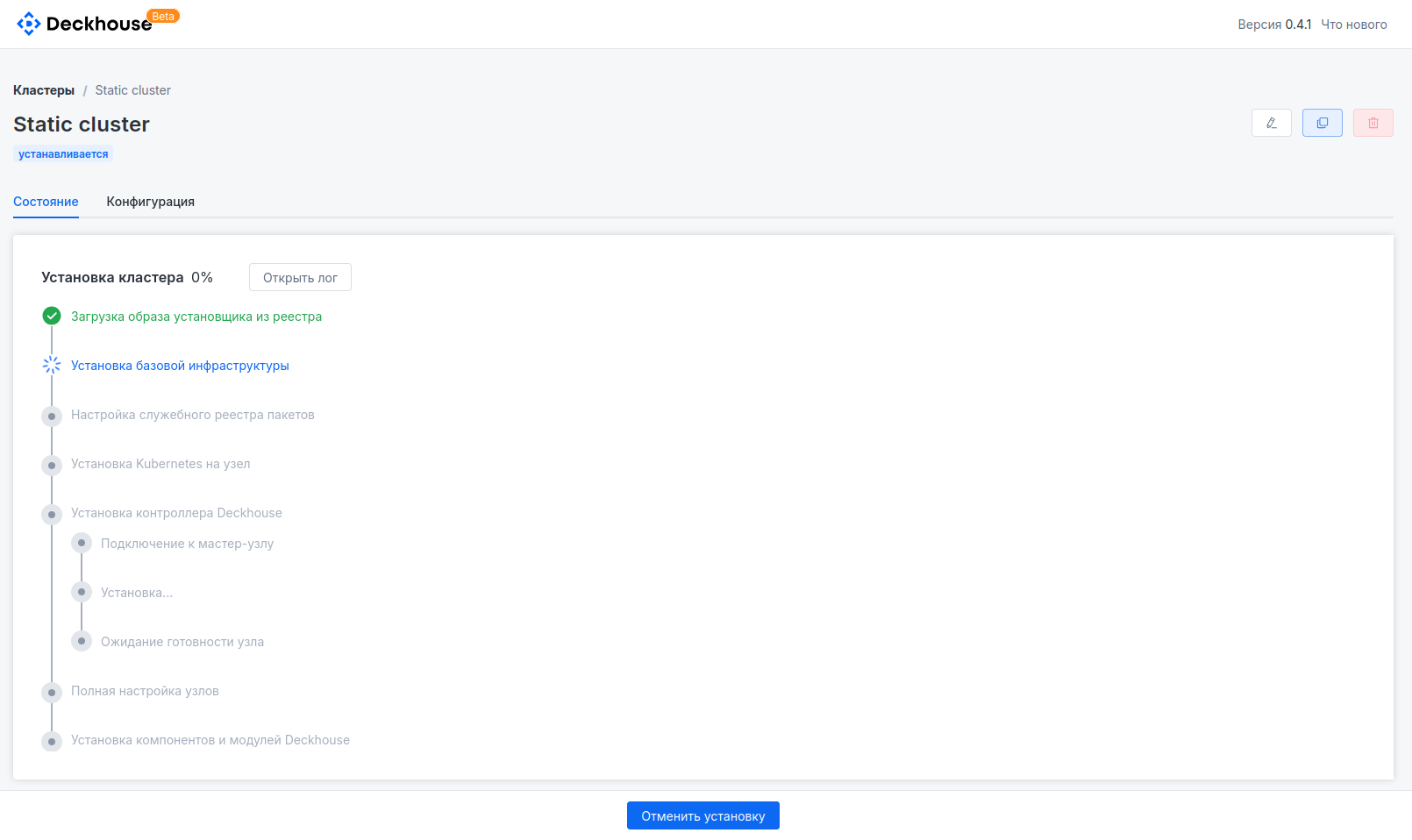
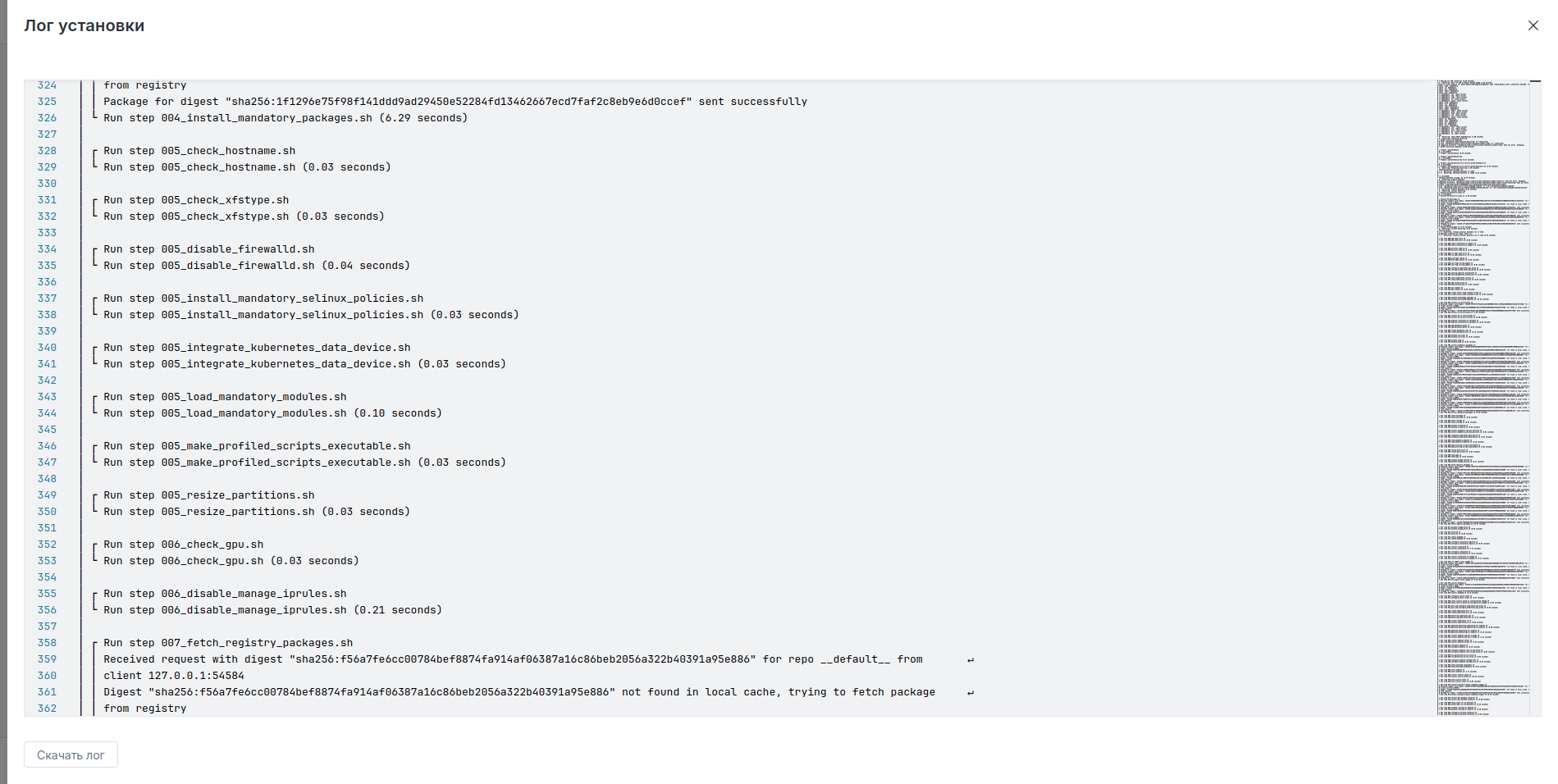
The installation process may take from 5 to 30 minutes depending on connection quality and the number of configured nodes.
The DP cluster is deployed! 🎉
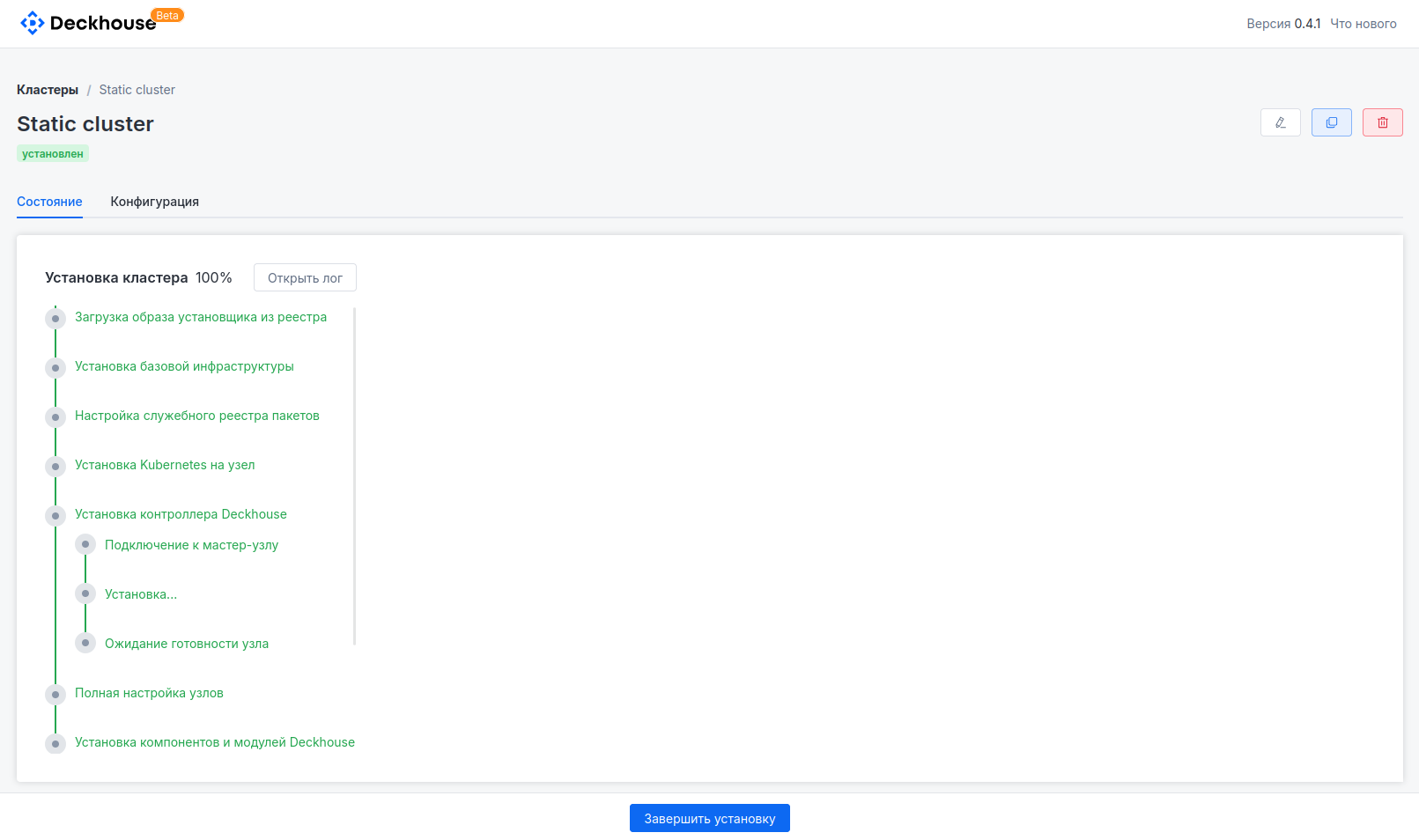
Proceed to the installation completion step.